Aggregate code context
for AI coding assistants
Interactive CLI tool to select files and folders from your project, then concatenate them into a single context file for LLMs.
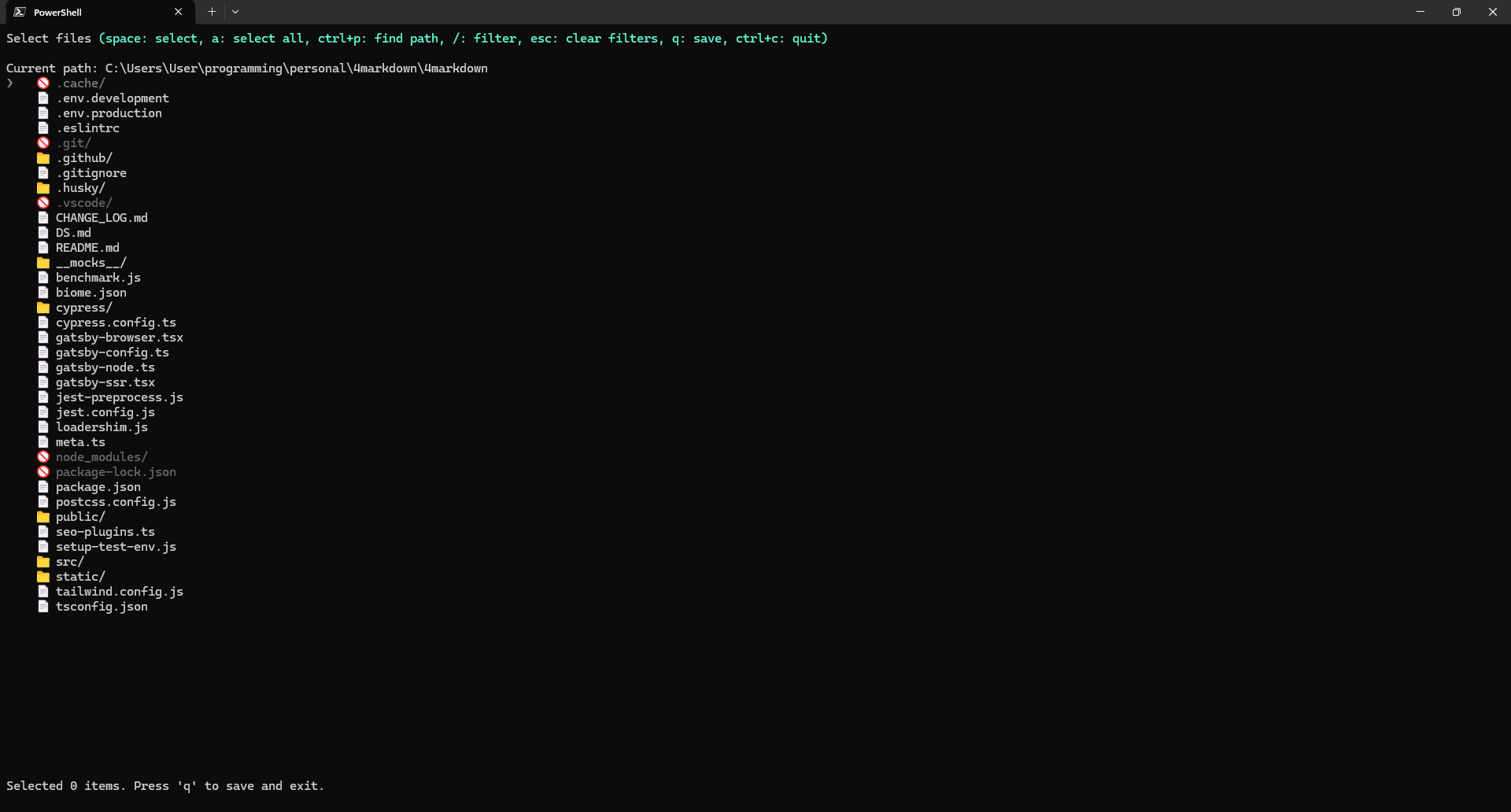
Interactive Selection
Navigate your filesystem and select files, while the tool intelligently ignores common items like .git and node_modules, preventing them from being added to your context.
Smart Filtering
Press / to filter the current view in real-time. Instantly find any file or directory with a case-insensitive search.
Direct Path Input
Press CTRL+P to type or paste paths directly. Supports tab-completion and ~ for home directory.
Use Cases
Real-world scenarios where getctx-cli helps developers
AI Code Review
Prepare your codebase context for ChatGPT, Claude, or other AI assistants to review your code, suggest improvements, and identify potential issues.
Documentation Generation
Aggregate source files and feed them to AI tools to automatically generate comprehensive documentation, README files, and API references.
Code Analysis & Refactoring
Select specific modules or components and get AI-powered suggestions for refactoring, optimization, and architectural improvements.
Debugging Assistance
Share relevant code context with AI when troubleshooting bugs. Include only the files that matter for faster, more accurate debugging help.
Learning & Onboarding
Help new team members understand complex codebases by feeding selected files to AI for explanations, architecture overviews, and guided walkthroughs.